.svg)
Discover the basics to help you get started with confidence
Welcome to everyday! The one-stop-shop for all things HR, Scheduling and Pay. This article will guide you through the system basics to help you get started.
What is everyday?
- Keep your HR details up to date, so everything stays accurate and hassle-free.
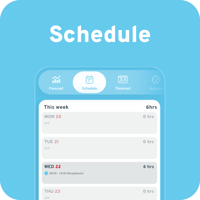
- Check your rota anytime, so you always know when you’re working.
- Log absences quickly and easily, with no paperwork needed.
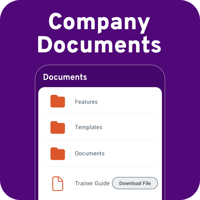
- Access important documents, from company policies to training guides.
- Sign your contract online, without the stress of printing and scanning.
- Check your pay details whenever you need, so there are no surprises.
- And much more!
What to expect
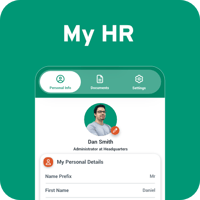
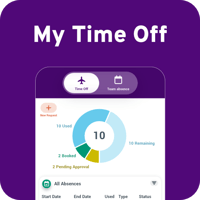
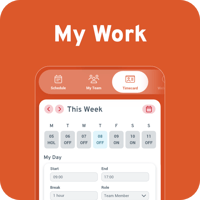
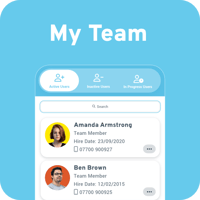
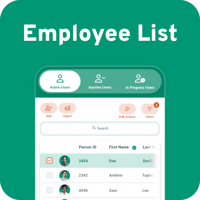
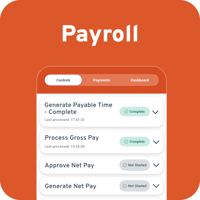
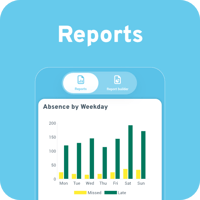
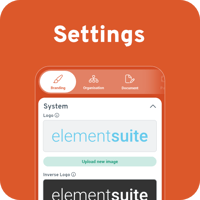
You can learn more about what’s behind each tile below.
Don’t worry if you don’t see certain tiles - everyday tailors your view based on your role, so you’ll only see the tools and features relevant to you!
To return to the tile menu at any time, click the menu button in the top left corner.

What's behind each tile
Download the Work app
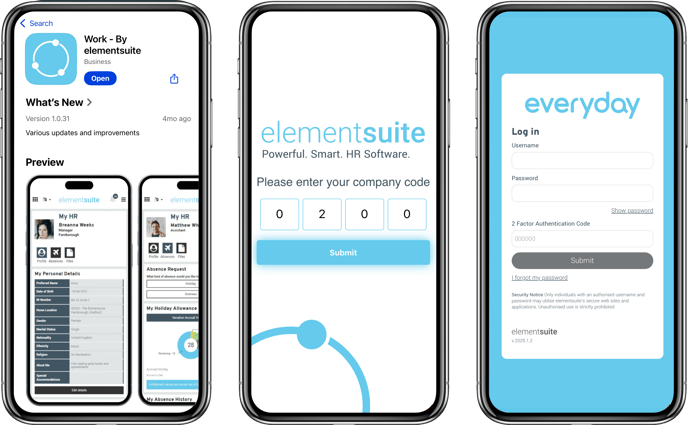
Make work easier by accessing everything you need on the go! Download the Work - By elementsuite app from the App Store (iOS) or Google Play (Android) and stay connected, wherever you are!
When you open the app for the first time, enter the company code 0200, then log in using your username and password.
For more details on setting up the app, view our guide How to use the mobile app
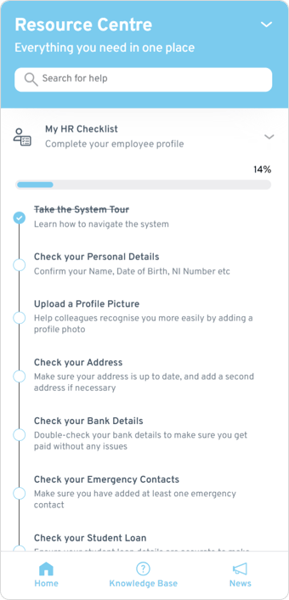
Need Help? Visit the Resource Centre
- Knowledge Base Articles - Access hints and tips, step-by-step guides, and answers to all our frequently asked questions.
- Interactive Walkthroughs - Take a step-by-step tour through key pages and features to ensure you can navigate and utilise the system confidently.
- Training Videos - Watch quick and informative videos to help you learn how to use the system

Next Steps
To get started we recommend familiarising yourself with the system. But don't worry, we have a checklist to help you with some initial tasks such as updating your personal details.
How to find My HR Checklist:
- Press the 'i' icon on the left-hand side of your screen to open the Resource Centre.
- Click on My HR Checklist to reveal your onboarding tasks.
- Select a task to go to the Personal Info page and follow the guide that appears.
- The tasks will show as completed when specific actions are performed.